
Know where
every asset is.
Scan, track and account for your equipment with one QR code on each asset, on the web and on Android.
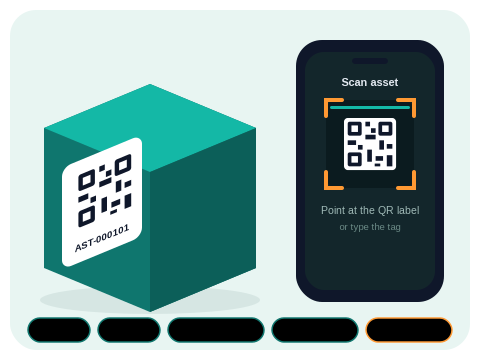
From spreadsheet to full control
Go from an Excel sheet to knowing where every asset is, who has it and what state it is in.
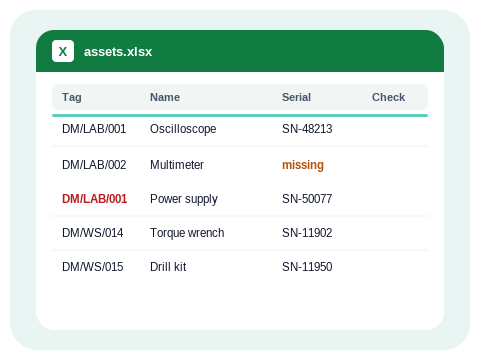
01Bring in your assets
Add them one by one or upload your Excel sheet. Errors and duplicates show before anything is saved.
- Whole sheet checked first
- Repeated tags and serials flagged
02Label everything
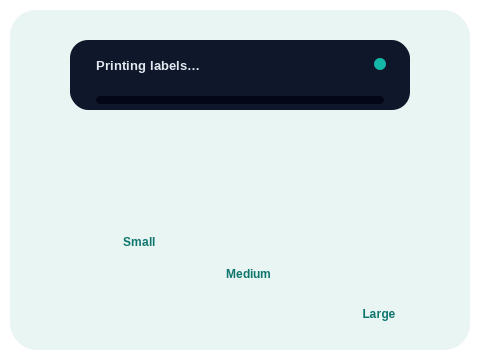
Each asset gets a unique tag and QR code, next to your own tag. Print small, medium or large labels.
- One label or many at once
- With or without serial numbers
03Scan, photograph and record
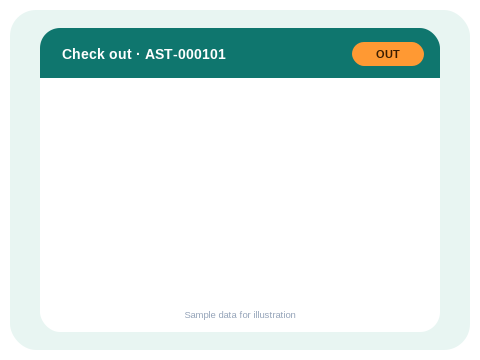
Check assets out and in with holder, condition, two stamped photos and location.
- QR labels and normal barcodes; type the tag if there is no camera
- Every trip kept, with the condition it came back in
04Stay in control
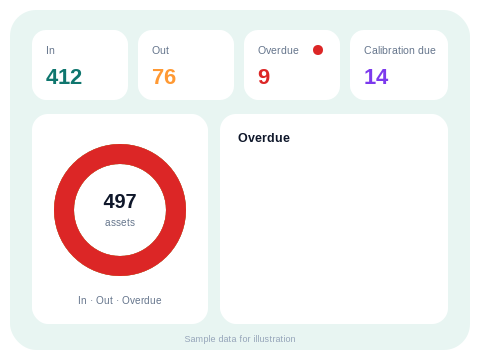
See what is out, overdue or due for calibration, run audits and export reports.
- Live dashboard at a glance
- One-tap call to the service engineer
05Run stock-take audits
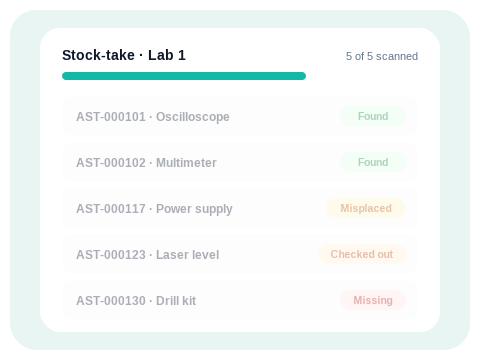
Scan on site to find what is missing, misplaced or checked out.
- See results as you scan
- Export with the rest of your reports
Everything your team needs
- QR labelsOne or many, three sizes, with or without serials.
- Instant scanQR and normal barcodes; type the tag if needed.
- Check out and inHolder, due date, condition, two stamped photos, location.
- History and mapEvery trip, how long it took, how it came back.
- ComponentsParts by serial: installed, spare, faulty or in repair.
- Calibration & serviceStatus, due dates, one-tap call to the engineer.
- Excel importWhole sheet checked first, problems highlighted.
- Duplicate flagsRepeated tags and serials marked, with links.
- HoldersEmployees, vendors, contractors and what each has.
- Live dashboardIn, out, overdue and calibration due.
- Stock-take auditsFind what is missing, misplaced or out.
- 20+ reportsStock, people, activity, components, finance.
Ask for a demo for your assets.
Call or WhatsApp us, or take the two-page brochure with you.
Download brochure (PDF) WhatsApp usTo know more, call
+91 94449 07658